
Connecting your inbox
How to connect Gmail or Outlook to Norian, and why the consent screen appears twice.
Norian supports Gmail and Outlook (Microsoft 365). Access is read-only. We can see your messages, but we can't send, delete, or change anything in your mailbox.
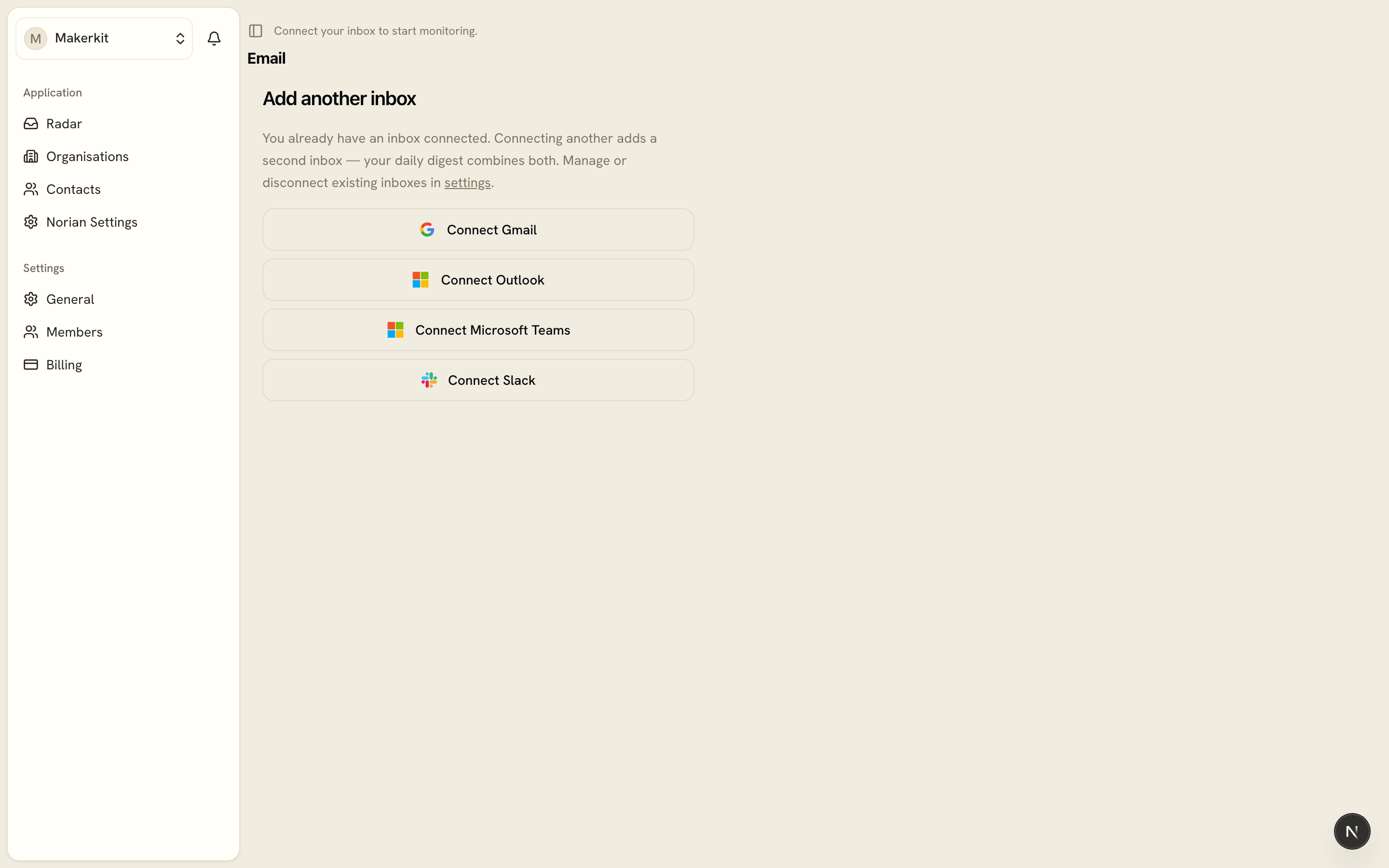
Why you might see the sign-in screen twice
Connecting involves two separate steps that both use your Google or Microsoft account. The first is your Norian login. The second is granting Norian read-only access to your inbox. Because these are two distinct authorisations, Google or Microsoft may show you a consent screen for each one. This is expected, not a glitch, and each screen is asking for a different thing.
If you sign in with Google, you'll typically see the Google screen twice. If you use Outlook, you'll see Google once for login and Microsoft once for inbox access.
What we ask for, and what we do with it
Before the inbox connection happens, we show you exactly what we're about to do: we read, we use AI to extract a one-line summary of any commitment or request, and we discard the original email right after. Nothing is stored beyond that summary. You can disconnect and delete everything at any time from your settings.
Once connected, head to Your first scan to see what happens next. For provider-specific details and scope, see Email (Gmail and Outlook).