
Monitored clients
How to review, add, and adjust which client domains Norian is watching.
Norian auto-detects active client domains from your email history and starts monitoring them on its own. Settings is where you review and adjust that list.
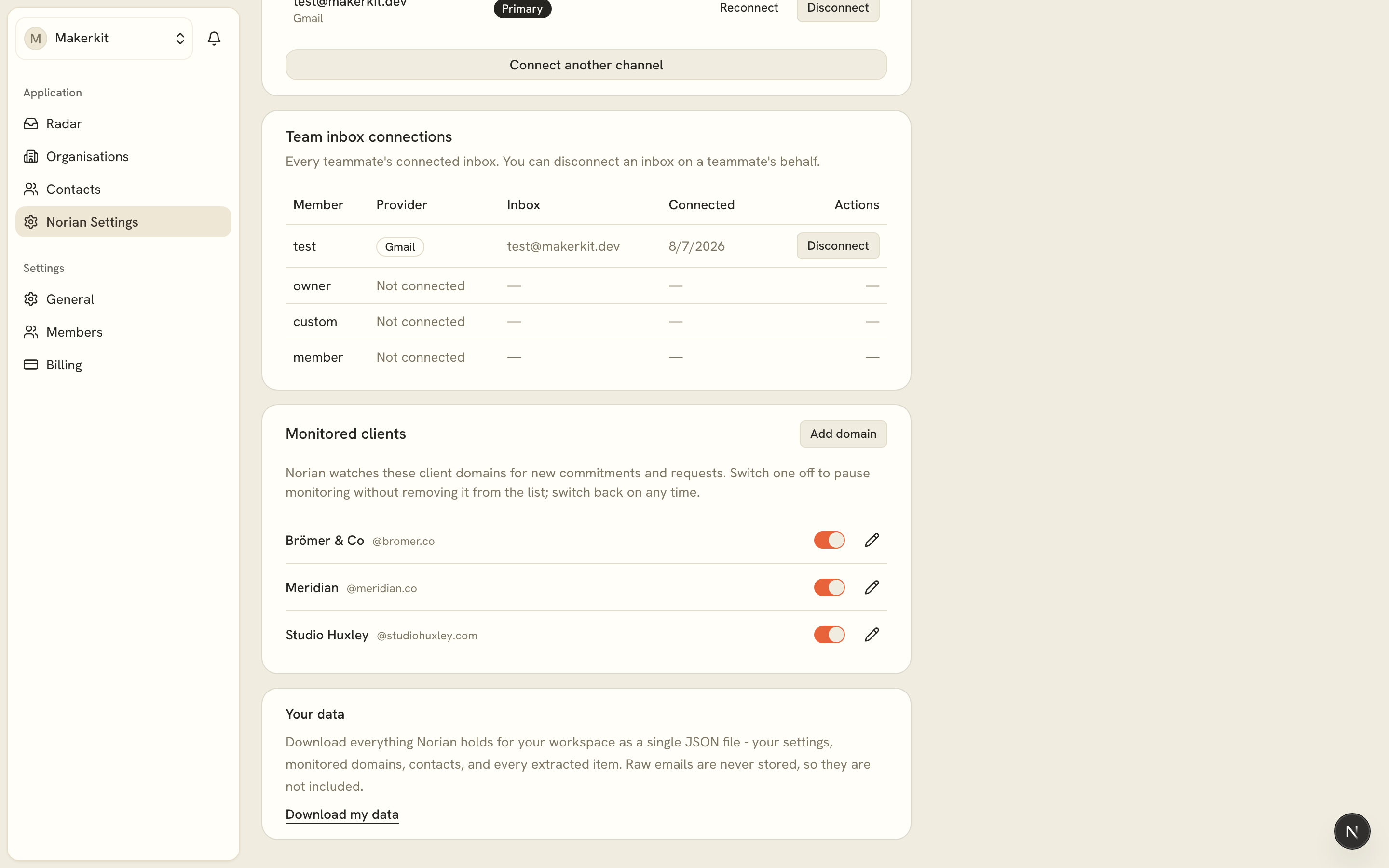
Toggling a client on or off
Each monitored domain has a switch. Turning one off pauses monitoring without removing it from the list, so nothing is lost and you can switch it back on any time. A domain with multiple contacts (common for free providers like Gmail or Outlook) can be toggled as a group or per contact.
Adding a client manually
Use "Add domain" if a client hasn't been auto-detected yet, or if you want to start monitoring a domain ahead of any email activity.
Senders not yet monitored
This list shows contacts who have emailed you but aren't being tracked yet. Norian waits for a couple of exchanges before auto-adding a client, so a new contact needs a reply or two before it shows up in the main list. Click Monitor on any of these to start tracking new emails from them right away. Past emails from that sender aren't backfilled, only new ones from that point on.
Per-inbox coverage
If you've connected more than one inbox, you can control which inbox watches which client. This block only appears once a second inbox is connected. Each inbox gets its own set of per-client switches, layered on top of the account-wide list above. A client turned off at the account level can't be turned on for just one inbox. For more on connecting additional inboxes, see Multiple inboxes.